IPTV Smarters Pro Setup 2026: The 5-Minute Guide for Every Device
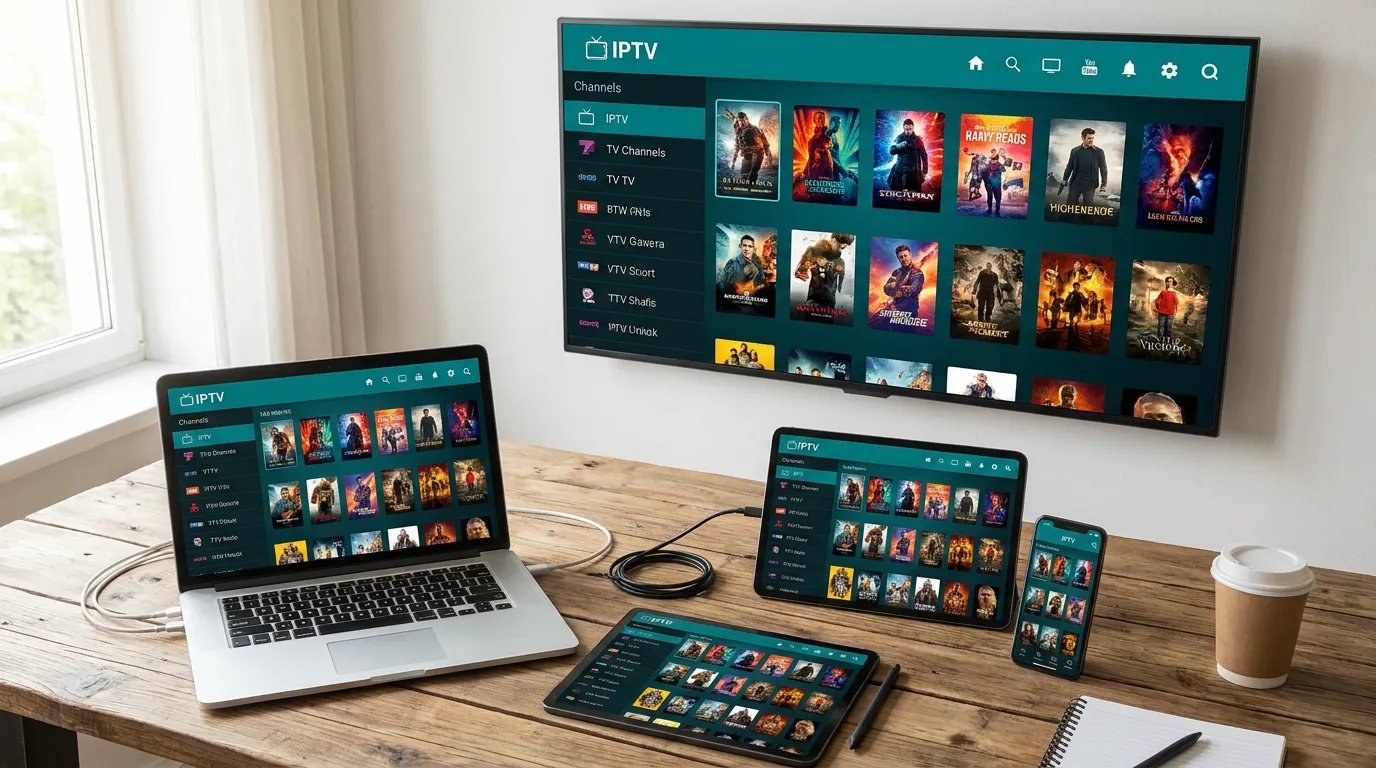
IPTV Smarters Pro is the app we activate more customers on than any other — it’s free, it runs on practically everything, and the login is just your three credentials. If you’ve just received your IPTV credentials and want to be watching in five minutes, this is the guide.
Key takeaways
- Smarters Pro is free and runs on Android, Firestick, Windows, macOS, and Smart TVs; on iPhone/iPad you use its sibling Smarters Player Lite.
- You log in with Xtream Codes API — the server URL + username + password your provider sends. One login, all your devices.
- It’s a player only: the app ships with no channels. The content comes from your IPTV subscription — that’s why the first screen asks for a playlist.
Which version do you need?
| Your device | App to install | Where |
|---|---|---|
| Android phone/tablet/box | IPTV Smarters Pro | Play Store or smartersapp.com APK |
| Firestick / Fire TV | IPTV Smarters Pro | Downloader app (APK) |
| iPhone / iPad / Apple TV | Smarters Player Lite | App Store |
| Windows / macOS | IPTV Smarters Pro | smartersapp.com |
| Samsung / LG Smart TV | IPTV Smarters Pro (or IBO Player) | TV app store |
If you’re deciding between apps first, our best IPTV players comparison ranks them honestly.
Step 1 — Install the app
Android phone, tablet, or box: search IPTV Smarters Pro in the Play Store. If your region’s store doesn’t list it, download the APK from the official smartersapp.com site.
Firestick: the app isn’t in Amazon’s store, so sideload it — install Downloader from the Appstore, enable Install unknown apps for Downloader in Settings → My Fire TV → Developer options, then enter the official APK URL from smartersapp.com. Our Firestick guide has the full walkthrough with screenshots-level detail.
iPhone / iPad: install Smarters Player Lite from the App Store — same interface, Apple-approved (our full iOS/Apple TV guide).
Samsung / LG: search your TV’s own app store; if it’s missing in your region, IBO Player is the smoother Smart TV route (Smart TV setup guide).
Windows / macOS: grab the desktop build from the official site, or just use the Android app on PC via an emulator — though for casual laptop viewing, VLC with your M3U link is simpler (PC guide).
Step 2 — Log in with Xtream Codes
- Open the app and accept the terms. Choose Add New User.
- Select Login with Xtream Codes API — this is the option to use; it auto-loads channels, VOD, and the TV guide in one go (why Xtream beats a raw M3U link).
- Fill the four fields:
- Any name — “Home”, whatever you like
- Username — from your provider
- Password — from your provider
- URL — the server address exactly as sent, with
http://and the port
- Tap Add User. The app downloads your channel list, movies, and series — 30–60 seconds on a normal line.
With our service, these credentials arrive on WhatsApp the moment your free trial starts — copy, paste, done.
Step 3 — The settings that matter
Open Settings (gear icon, top right):
- Player selection → Live TV → Built-in player. Default is fine for most; if a specific channel type stutters, switching that category to an external player (VLC) is the classic fix.
- Stream format → MPEG-TS (default) or HLS. If channels take long to start, try switching this one setting first.
- Automation → Auto-start on boot (Android boxes) — the app is ready when the TV turns on.
- Parental control — set a PIN if kids share the profile.
- EPG → Refresh. Guide data loads on login, but a manual refresh after first setup makes sure every channel shows programmes (what the EPG does).
Getting around the app
The home screen splits into Live TV, Movies, and Series — that’s your provider’s full catalog, organized. Inside Live TV:
- Groups on the left = country/theme bundles (US, UK, Sports, News…). With 20,000+ channels on our plans, use groups rather than scrolling the master list.
- Long-press a channel → Add to Favorites — your personal row at the top.
- EPG button switches to a guide view with now/next programmes.
- Multi-screen (up to 4 tiles) lives on the home screen — great for sports days (more in our sports guide).
Common Smarters Pro problems (real fixes)
“Invalid details” at login — almost always the URL: missing port number, https where it should be http, or a trailing space from copy-paste. Re-type it carefully.
App loads but channels buffer — network first, app second: Ethernet or 5 GHz Wi-Fi, then test your line speed (how much speed IPTV actually needs), then try the HLS/MPEG-TS switch above. Full checklist in our buffering guide.
EPG shows “No information” — Settings → EPG → refresh; give it two minutes. Persistent gaps on a handful of channels are a provider-side mapping issue — report the channel to us and it gets fixed server-side.
App vanished after a Firestick update — Amazon occasionally clears sideloaded apps’ data. Reinstall via Downloader; your login takes 30 seconds to re-enter.
Frequently asked questions
Is IPTV Smarters Pro free?
Yes — the app costs nothing on every platform. Your only cost is the IPTV subscription that feeds it. (An optional ad-free in-app upgrade exists, but nobody needs it.)
Does IPTV Smarters Pro include channels?
No. It’s a player, like VLC — it displays whatever your provider’s playlist contains. No subscription, no content; that’s also what keeps the app itself legal (the full legality picture).
Smarters Pro or TiviMate — which should I use?
Smarters Pro to start (free, everywhere, simplest login). If you watch daily on a Firestick or Android box, TiviMate’s grid guide is the upgrade — same credentials work in both.
Can I use one account on my TV and phone at the same time?
Depends on your plan’s simultaneous connections — here’s how multi-device IPTV works. Adding the login to many devices is fine; watching on several at once is what plans meter.
Watching in five minutes — literally
Grab a free trial from us on WhatsApp, install the right version from the table above, and paste your Xtream login. That’s the whole setup. If it clicks (it will), yearly plans work out to €5/month — and the same login follows you across every device you own.