IBO Player Setup 2026: Activate IPTV on Samsung & LG TVs in 4 Steps
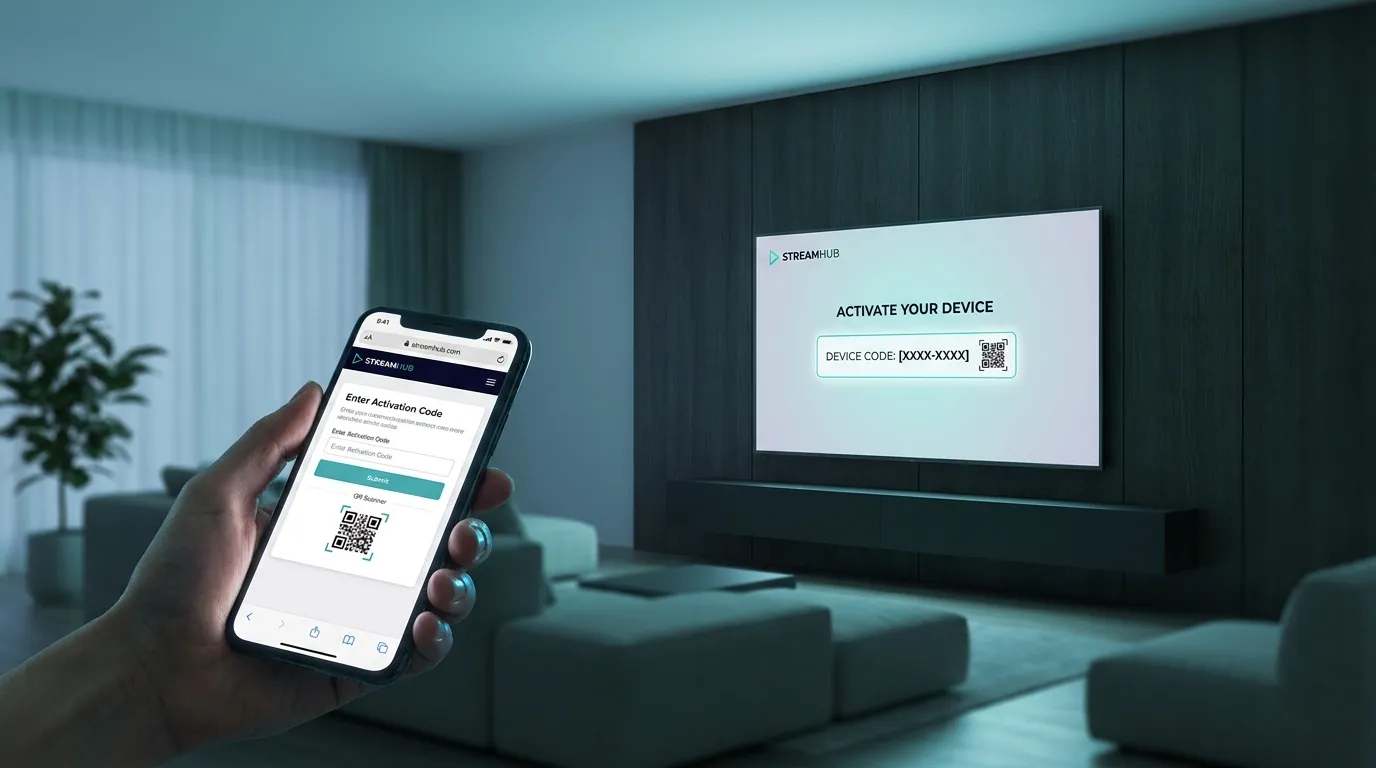
IBO Player is the app we point every Samsung and LG owner to. No sideloading, no typing a password with the remote’s arrow keys — the app activates with your TV’s MAC address, and your playlist is added from a phone or laptop. Total setup: about five minutes, four steps.
Key takeaways
- IBO Player runs natively on Samsung (Tizen) and LG (webOS) TVs — the platforms TiviMate and most IPTV apps skip — plus Android, Firestick, and more.
- Activation works by MAC address + web portal: you upload the playlist from any browser instead of typing on the TV.
- The app has a 7-day free trial, then a small one-time activation per device (roughly €7 for a year or €10 lifetime, varying by version and region). The IPTV subscription itself is separate — IBO ships with no channels.
What IBO Player is (and isn’t)
IBO Player — and its sibling versions like IBO Player Pro — is a playlist player: it displays the channels, movies, and series your IPTV provider gives you. It contains zero content out of the box. That separation is what keeps player apps like this on the official TV stores (the legality picture explained).
You need two things: the app (this guide) and an IPTV subscription — if you don’t have one yet, grab a free trial from us on WhatsApp and you’ll have credentials before you finish step 2. One caution up front: IBO look-alikes and clone websites abound — the only portal address to trust is the one printed on your own TV’s screen inside the app.
Step 1 — Install IBO Player on your TV
Samsung: press Home → Apps → search IBO Player (you may also see IBO Player Pro — either works, they activate the same way) → Install.
LG: press Home → LG Content Store → search IBO Player → Install.
Also available on Firestick/Android boxes via their stores — though on Android hardware, TiviMate or Smarters Pro are usually the better fit. IBO’s real superpower is the Samsung/LG side (our full Smart TV guide).
Step 2 — Note the MAC address and Device Key
Open the app. The first screen shows two codes:
- MAC address (looks like
a1:b2:c3:d4:e5:f6) - Device Key (a short PIN)
Leave the TV on this screen and take a photo of it with your phone — you’ll need both codes in the next step.
Step 3 — Add your playlist from a phone or laptop
This is the part people love: no TV typing.
- On any browser, open the IBO Player management portal shown on the app’s screen (the address printed under the codes).
- Log in with the MAC address and Device Key from step 2.
- Choose Add Playlist. Two ways:
- Xtream Codes API — enter the server URL, username, and password from your provider (this is what we send you; Xtream vs M3U explained), or
- M3U URL — paste the full link if that’s what you have.
- Name it, save, and go back to the TV: restart the app. Your channels, VOD, and TV guide load in.
With our plans you get both formats — whatever the app asks for, the credentials we send cover it.
Step 4 — Activate the app (after the trial)
IBO Player is free to test for 7 days per device. After that, the app asks for a one-time activation — paid on the same portal, tied to your TV’s MAC address. Pricing at the time of writing is small: around €7 for 12 months or ~€10 for lifetime, depending on the IBO version and region (check the price inside your app’s portal — there are several IBO variants and clones, so trust the address printed on your TV screen, not a random Google result).
Two honest notes:
- The fee is per device — a Samsung in the salon and an LG in the bedroom means two activations.
- The fee goes to the app developer, not your IPTV provider — it’s separate from your subscription. Some providers (us included) will help you through the activation if you get stuck: message us.
Common IBO Player problems (and fixes)
“Playlist expired / no playlist found” — the playlist upload didn’t attach to this MAC. Log back into the portal, confirm the MAC matches the TV screen exactly, and re-save the playlist.
Channels appear but won’t play — usually the stream format: edit the playlist in the portal and switch between M3U and Xtream. If only some channels stutter in the evening, that’s bandwidth, not the app — buffering fixes here and how much speed you actually need.
App disappeared after a TV firmware update — reinstall from the store; your activation is tied to the MAC, so it’s still valid. Playlists reappear once the app reconnects.
“Device blocked” in the portal — MAC typo at login, or you’re on a different IBO variant’s portal than the app installed on the TV. Match the portal address to the one shown in your app.
Guide times are wrong — set the correct timezone in the app settings; the EPG realigns on restart.
Frequently asked questions
Is IBO Player free?
There’s a 7-day free trial per device; after that a small one-time activation fee (≈€7–10) applies. The IPTV subscription that provides the channels is separate.
Does IBO Player include channels?
No — none. It plays the playlist your IPTV provider gives you. Anyone selling “IBO Player with channels included” is bundling a subscription with the app.
IBO Player or IPTV Smarters Pro on a Samsung/LG TV?
If both are in your TV’s store, they’re comparable — IBO’s MAC-portal system means less remote typing, which is why we default to it for Smart TVs. On Android/Firestick, Smarters Pro (free) or TiviMate (best guide) win.
Can I use the same subscription on my TV and phone?
Yes — your login works in any player app. Watching on several screens at the same time depends on your plan’s connections (multi-device explained).
Set it up with a live playlist
The 7-day IBO trial pairs perfectly with our free IPTV trial: ping us on WhatsApp, get your Xtream login in minutes, and test the whole Samsung/LG experience end-to-end before paying anyone anything. If you like it, plans start at €5/month billed yearly — and the same login keeps working on every device you add.