How to Watch Live Sports with IPTV: The Complete Fan's Guide
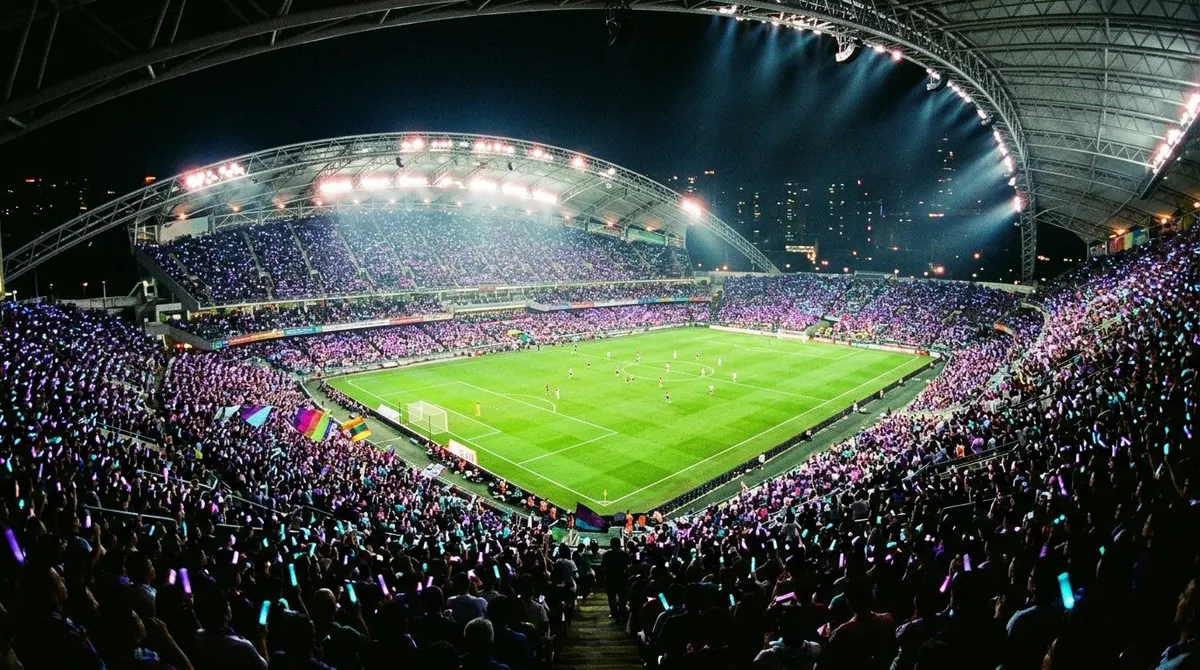
Let’s be honest: sports is why most people come to IPTV. Legacy TV splits the season you care about across three subscriptions and two countries’ broadcasters; IPTV puts every league, every fight, and every race in one place — for a fraction of the cost, as the IPTV vs cable math shows. Here’s how to make it work flawlessly — because a frozen stream in the 89th minute is unforgivable. (Season just starting? Our 2026/27 season guide covers the NFL, Premier League, and Champions League specifically.)
What sports coverage looks like on IPTV
A serious provider carries the sports channels of every major market side by side: English, French, German, Spanish, Italian, Arabic and US networks — which in practice means:
- Football: every major European league and cup, international tournaments, and the second divisions cable ignores
- US sports: NBA, NFL, MLB, NHL networks
- Motorsport: F1 and MotoGP from multiple national broadcasters
- Fight sports: boxing and UFC events, including PPV broadcasts
- Everything else: tennis, cycling, athletics, rugby, cricket, darts
The trick most people miss: the same match airs on many countries’ channels. If one feed has issues or an unbearable commentator, switch country. English commentary on Arabic sports networks, French feeds for Ligue 1, German feeds for F1 — all one guide away.
Finding the match quickly
- Favorites first: star your 10 go-to sports channels on day one; scrolling 20,000 channels at kickoff is amateur hour.
- Use the EPG: search or scroll the guide by time — every app shows what’s live now.
- Event channels: big providers spin up temporary “Event 1/2/3” channels for PPV fights and special broadcasts — check that section on fight night.
Multi-view: the tension-headache feature
IPTV Smarters and TiviMate both offer multi-screen — four matches on one TV during the final matchday, championship Sundays, or the group-stage chaos. Each pane is a stream, so mind your connection count and bandwidth (four HD streams ≈ 25–30 Mbps — the math).
Big-event survival guide
Finals and PPV nights are when weak services die — everyone tunes in at once. Stack the odds:
- Wire the main TV (Ethernet beats Wi-Fi, always — full buffering guide).
- Arrive 10 minutes early and confirm the stream; find the backup channel (same match, another country) before kickoff.
- Know your support channel. A premium provider answers during the match and moves you to a healthy server — ours does.
- Prefer the HD feed over 4K if your line is marginal; a stable 1080p beats a stuttering 2160p.
How to test a provider as a sports fan
Don’t test on a quiet Tuesday morning. Take the free trial — it runs a full 24 hours, no card required — and judge during a peak live event: zapping speed between sports channels, feed stability in the second half, and whether the 4K/FHD variants hold up. That 90 minutes tells you more than any review.
One subscription, every league, from €5/month on the yearly plan — that’s the whole pitch. The trial will make it for us.