IPTV on iPhone, iPad & Apple TV: The 2026 Setup Guide
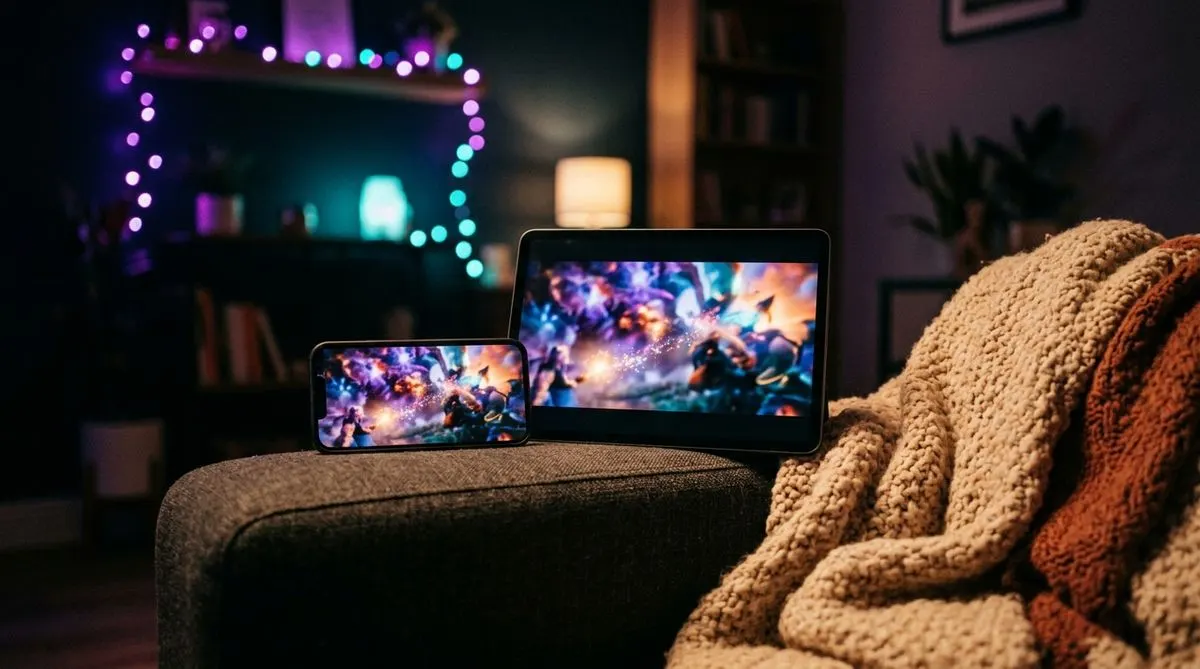
Apple devices handle IPTV brilliantly — the apps are on the official App Store, no sideloading required. Ten minutes from now your iPhone can be a pocket TV with thousands of channels. (First time hearing about IPTV? The beginner’s guide has you covered.)
The app to install
Search the App Store for Smarters Player Lite (free). It’s the iOS build of the most popular IPTV player. Solid alternatives: IPTV Smarters – Player and GSE Smart IPTV, but Lite covers everything most people need.
Why “Lite”? App Store policy — the iOS versions ship without a built-in subscription store. Functionally it plays your service exactly like the Android Pro version.
iPhone / iPad setup
- Open Smarters Player Lite.
- Accept the terms, then choose Xtream Codes API.
- Enter the credentials from your provider:
- Name: anything (e.g. “TV”)
- Username / Password: as received
- Server URL: the full
http://…address with port
- Tap Add User — channels, films, and series sync in under a minute.
Prefer M3U playlists? The app takes those too (Xtream vs M3U differences), but Xtream login is cleaner: EPG and VOD arrive automatically.
Apple TV setup
- On the Apple TV, open the App Store and install Smarters Player Lite (or IBO Player).
- Log in with the same Xtream credentials.
- That’s it — the big-screen interface has full EPG and category browsing.
If you already set up your iPhone, check the app’s “Login with QR” option: display the QR on the phone, scan with the TV, skip all typing.
AirPlay: the underrated trick
No Apple TV app needed at all, in a pinch: play a channel on your iPhone, tap the AirPlay icon, beam it to any AirPlay-compatible TV. Great for hotel rooms and holiday apartments — your subscription travels with you.
Settings worth touching
- Player → hardware decoder for smooth 1080p and lower battery drain.
- Stream format: HLS if a specific channel stutters on cellular.
- Favorites: long-press channels you actually watch; browsing 20,000 channels on a phone screen is nobody’s hobby.
Data usage warning
On 4G/5G, Full HD eats ~3 GB/hour. Use the HD/SD variants of channels when off Wi-Fi — the numbers are in our bandwidth guide.
Common issues
- “Invalid URL” — the server address must include
http://and the port number; copy-paste it. - Channels list loads, streams don’t start — try switching the player from AVPlayer to VLC engine in settings, or check the buffering fixes.
And the same login works beyond Apple — put it on a Firestick for the living-room TV, for instance.
Test the whole Apple flow for free — grab a trial and you’ll be watching on your iPhone within minutes of messaging us.