What Is an EPG in IPTV? (And How to Fix an Empty TV Guide)
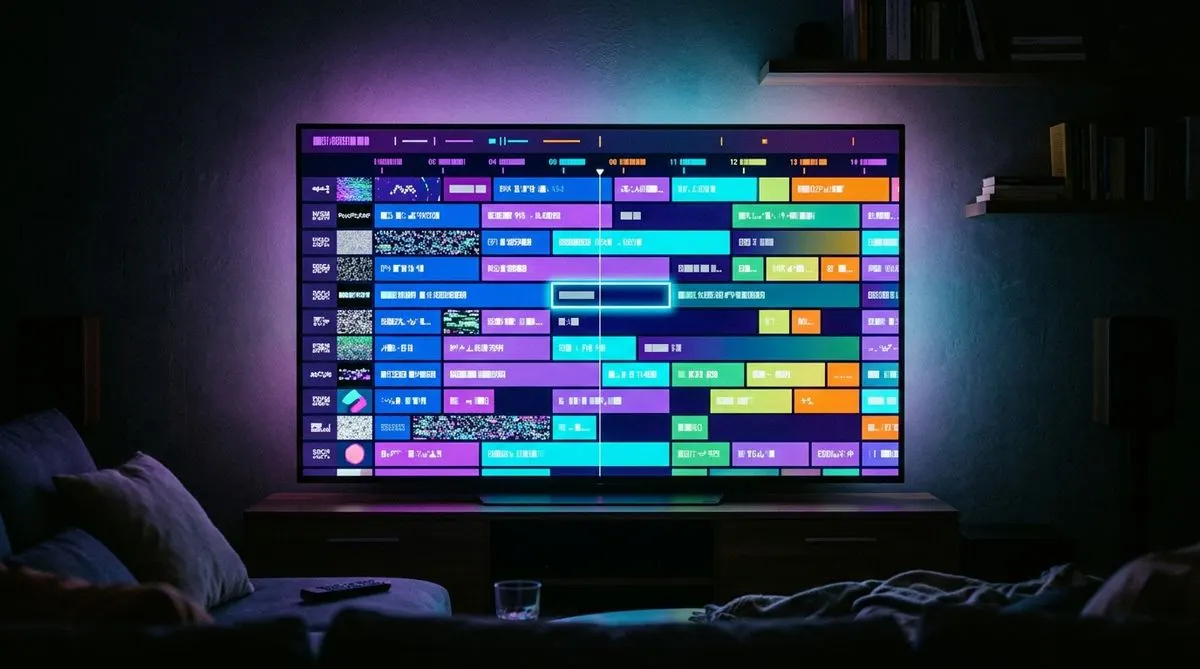
EPG is one of those acronyms IPTV apps throw at you as if everyone was born knowing it. (If IPTV itself is the unfamiliar acronym, start with the beginner’s guide.) Here’s what it means, why it makes or breaks the daily experience, and how to fix the classic “empty guide” problem.
EPG = Electronic Program Guide
The EPG is the TV guide inside your app: the grid that shows what’s playing now and next on every channel, with titles, descriptions, and times — exactly like the guide button on a cable box.
With a good EPG you don’t channel-surf blindly; you scroll the grid, see that the match starts in 20 minutes, and set the app to jump there. Some players even use EPG data to power catch-up, letting you replay a show that aired hours or days ago.
Where does EPG data come from?
Your IPTV provider generates it server-side and delivers it two ways:
- Automatically via Xtream Codes login — when you log in with username/password/URL, the app fetches the EPG from the same server. Zero setup. This is why we recommend Xtream login over plain playlists (comparison here).
- Via a separate XMLTV URL — M3U playlist users paste this link into the app’s EPG field manually.
“My EPG is empty” — the fix list
Work through these in order:
- Wait and refresh. First EPG download can take a few minutes for thousands of channels. In Smarters: Settings → EPG → Refresh EPG. In TiviMate: Settings → EPG → Update.
- Check you logged in with Xtream Codes, not a bare M3U. Bare playlists don’t carry programme data.
- Ask your provider for the XMLTV link if your app needs it explicitly, and paste it in the EPG settings field.
- Update the app. Old versions occasionally break EPG parsing.
- Still empty on one channel group only? Some small or exotic channels simply have no published guide data — that’s normal industry-wide.
“My EPG shows the wrong times”
That’s a timezone offset. Every decent app has EPG time shift (Settings → EPG): set it to your offset (e.g. +1 or −2) and the grid aligns. TiviMate can also auto-detect from the device clock — make sure the device timezone is right first.
Does EPG use a lot of data or slow the app?
No. EPG files are a few megabytes, refreshed once or twice a day. If your app feels slow with a huge channel list, hide unused country groups instead — the guide only renders what you keep visible.
The takeaway
A rich, accurate EPG is one of the clearest signals of a well-run IPTV service — it means the provider maintains real infrastructure, not just a channel dump. Ours ships automatically with every plan: see what’s included or test it free.