IPTV on Roku in 2026: The 3 Methods That Actually Work
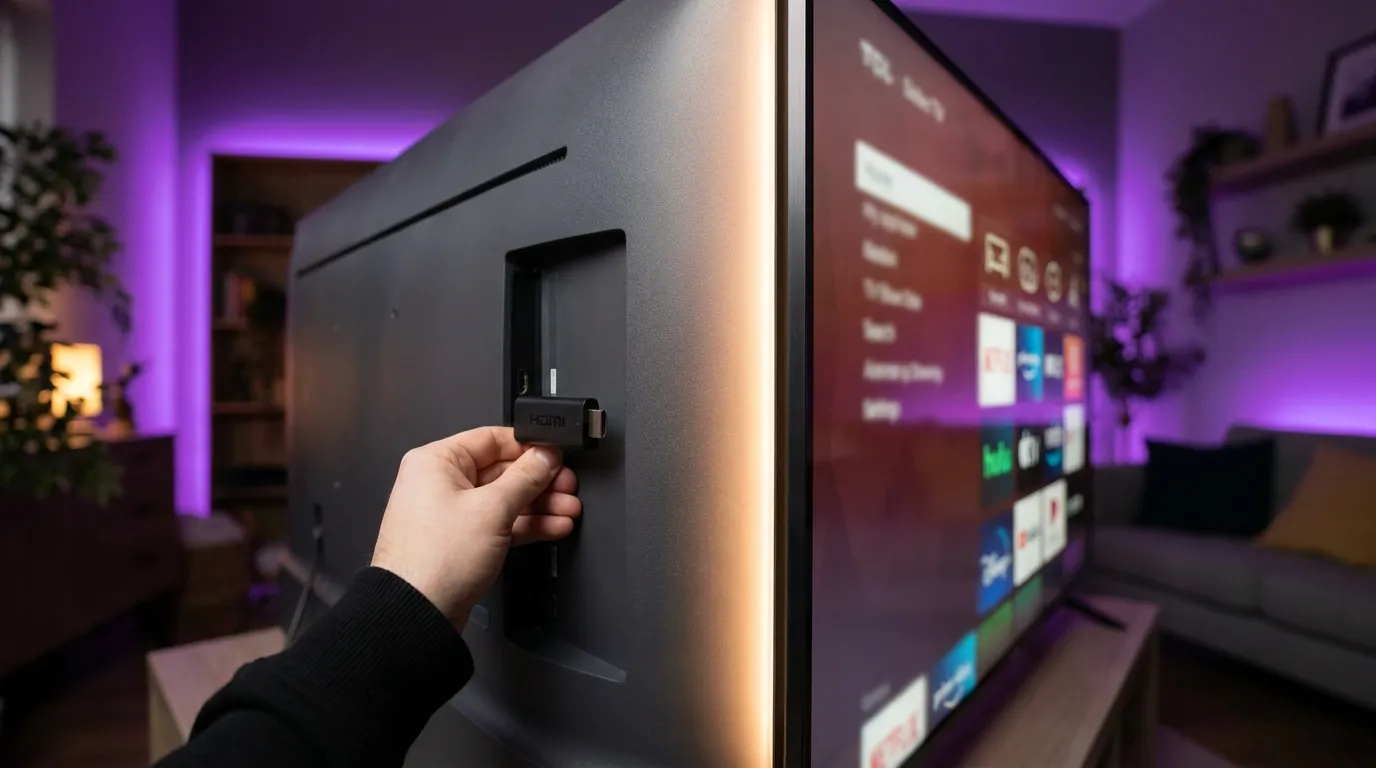
Let’s start with the truth most guides bury: Roku is the least IPTV-friendly platform you can own. The Channel Store doesn’t carry IPTV Smarters or TiviMate, and Roku doesn’t allow sideloading the way Android does. But “least friendly” isn’t “impossible” — there are three methods that genuinely work, and we help Roku owners through them every week.
Key takeaways
- The big IPTV apps don’t exist on Roku — no Smarters Pro, no TiviMate, and no APK sideloading. Anyone promising them is describing an Android box.
- What does work: M3U player channels from the Roku store (basic but real), screen mirroring from a phone or PC, and AirPlay from Apple devices.
- The honest long-term fix: a ~€30 Firestick in the Roku TV’s spare HDMI port turns the same screen into a first-class IPTV device.
Why Roku is different
Roku runs its own closed OS. Apps come only from the official Channel Store, which doesn’t allow the popular IPTV players, and there’s no APK escape hatch like Android’s. So the goal on Roku is either a store-approved M3U player or sending the picture from another device. Both work with any standard subscription — with ours you get both an M3U URL and an Xtream login, so nothing extra to buy.
Method 1 — An M3U player channel from the Roku store
Several store-approved players load a plain M3U playlist URL. Search the Channel Store for “IPTV” or “M3U playlist player” and you’ll find the current crop (names rotate as apps come and go — that churn is a Roku fact of life).
- Install one from the Channel Store.
- Open it and find Add playlist / M3U URL in its settings.
- Enter your playlist link — the full M3U URL from your provider (we send it on WhatsApp with your trial).
- Wait for the channel list to load, and you’re watching.
Set expectations: these players are functional, not fancy. Guides (EPG) are weaker than TiviMate’s, some show ads, and stability varies by app. For casual viewing they’re fine; for daily TV, skip ahead to the honest fix below.
Method 2 — Screen mirroring from Android or Windows
Your phone or PC runs a proper IPTV app, and the Roku just displays it.
- On the Roku: Settings → System → Screen mirroring → Prompt (or Always allow).
- On an Android phone: install IPTV Smarters Pro, start your stream, then open Cast/Smart View and pick the Roku.
- On Windows: run your player (our PC guide), press Win+K, select the Roku.
Great for a match or a movie night; less great as a daily driver — it occupies the phone, leans on Wi-Fi twice, and drains battery.
Method 3 — AirPlay from iPhone, iPad, or Mac
Recent Roku TVs and players support AirPlay:
- On the Roku: Settings → Apple AirPlay and HomeKit → AirPlay On.
- On the iPhone/iPad: play IPTV in Smarters Player Lite (iOS setup guide), open Control Center, tap Screen Mirroring, choose the Roku.
Same trade-offs as Method 2 — perfect occasionally, tiring daily.
The honest fix beyond the three methods: add a €30 stick
Here’s what most of our Roku customers eventually do: leave Roku for Netflix and friends, and plug a Firestick or Android TV stick into the TV’s spare HDMI port for IPTV. Suddenly you’re in first-class territory — TiviMate’s premium-cable guide, full Smarters Pro, reliable EPG, no mirroring gymnastics. Our Firestick setup guide takes ten minutes, and the same subscription covers both (how device connections work).
Troubleshooting Roku IPTV
Playlist won’t load in an M3U channel — paste the URL exactly (they’re long; use the Roku mobile app’s keyboard). If it still fails, the app may only accept http or have a size limit on big playlists — try another player from the store.
Mirroring stutters — mirroring doubles your Wi-Fi load. Put the Roku on Ethernet or 5 GHz, and check what speed IPTV actually needs. More fixes in our buffering guide.
Channels play but no guide data — most Roku M3U players read only basic EPG. If the guide matters to you, that’s your sign to add the stick.
Frequently asked questions
Can I install IPTV Smarters Pro or TiviMate on Roku?
No. Neither is in the Roku Channel Store, and Roku doesn’t permit sideloading. Those apps need Android — a Firestick in the same TV solves it for ~€30.
Is watching IPTV on Roku legal?
Same answer as every device: the player and method are neutral; what matters is the subscription behind it. Our plain-English legality guide covers it.
Does a Roku IPTV setup need a VPN?
Not required for it to work. Some users add one for privacy — our VPN-for-IPTV guide explains when it helps and when it just slows you down.
What’s the best IPTV player for Roku?
The store’s M3U players change frequently, so “best” shifts — pick a recent, well-rated one and expect basics. Anything on Android beats all of them (full player rankings).
Test it on your Roku tonight
Grab a free trial on WhatsApp — you’ll get an M3U link for a store player and an Xtream login for any mirroring or stick setup, so you can try every method above and see which fits. If it clicks, plans run from €5/month billed yearly, same subscription across all of them.